waitUntil settled: When Is a Page Done Loading?

Karl Seguin
Software Engineer
TL;DR
Lightpanda 1.0.4 adds a new waitUntil option: settled. It uses an attribution system to decide which network requests and scheduled tasks should hold up the page, instead of counting active connections. Over 1,000 sites, settled returned complete content for 85.8% of pages at a 1.9s median, compared to 63.5% at 1.3s for load and 89.6% at 2.2s for networkalmostidle.
When is a page done loading?
One challenge faced by some of our users is knowing when a page is done loading. In simple cases, when well-known pages are being tested, the solution is normally to wait for a specific selector or for an arbitrary piece of JavaScript to return truthy.
Here’s what that looks like with the fetch command. It waits until the #about element on our homepage contains the word “started”, then dumps the HTML without scripts or UI elements:
# Or the equivalent via CDP
lightpanda fetch \
  --dump html \
  --strip-mode js --strip-mode ui \
  --wait-script "document.querySelector('#about')?.innerText.includes('started')" \
  "https://lightpanda.io" > dump.html
But when the structure of the page isn’t known, a different approach is needed. The simplest, which does work for a majority of pages, is to wait for the load event. But a non-trivial number of pages continue to load meaningful content after the load event fires.
You can imagine an XHR (XMLHttpRequest) request that loads more content which may or may not finish before load arrives. Because Lightpanda tends to emit load faster than Chrome (the page isn’t held up loading images, for example), a late XHR response can miss our load but arrive before Chrome’s (by luck/accident only).
The page lifecycle signals CDP gives you today
CDP (Chrome DevTools Protocol) users and clients often wait until a networkidle or networkalmostidle event. These are specific page lifecycle events emitted by Chrome (and Lightpanda).
networkidlefires when there is no active network connection for 500ms.networkalmostidlefires when there are no more than two active network connections for 500ms.
Puppeteer exposes these as networkidle0 and networkidle2 in its lifecycle event options . Some clients implement their own heuristic based on other network events, but this tends to be similar to the browser-emitted events.
In reality, most cases end up with a combination of waiting for load and/or networkalmostidle (rarely networkidle as that can cause a long wait for little gain) plus JavaScript to see if the content appears to be stable over a short window (e.g. node count). Fundamentally users are limited by the few signals exposed by CDP and whatever they can extract from the DOM. If you want a refresher on how those messages travel, see CDP under the hood .
Introducing waitUntil settled
We’ve been thinking about how to make these scenarios easier to handle and more accurate, since networkidle can hold a page longer than it should. In our latest 1.0.4 release , we’ve added a new waitUntil option: settled. The idea is to have our own, smarter, signal for when a page can be considered done.
How attribution works
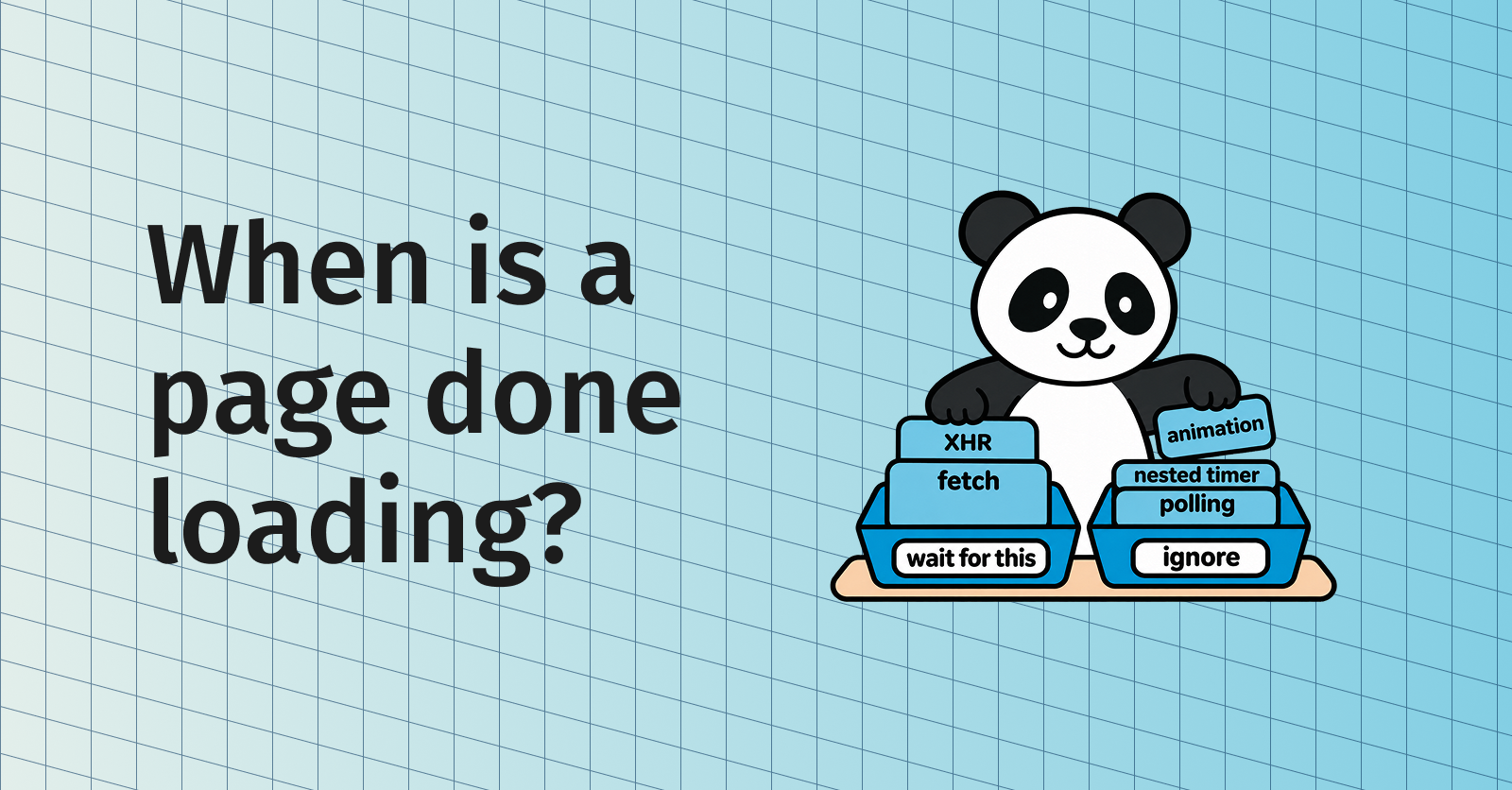
While we expect it to evolve, the first version is simple and effective. Rather than treating every network connection and scheduled task as equal, we now have an attribution system which is inherited through callbacks. The attribution lets us be more selective than “do we have N active connections?” by providing context for those connections.
Requests started from any of these don’t hold up the page:
- a deeply nested timer
- a RAF (requestAnimationFrame ) callback
- a callback from a WebSocket event other than “open”
Everything else does. For sites that run nothing after load, settled behaves like load.
How settled compares to load and networkalmostidle
For sites that do run work after load, settled tends to sit between load and networkalmostidle both in terms of wait time and the % of content it loads:
| State | Complete | Median |
|---|---|---|
load | 63.5% | 1.3s |
settled | 85.8% | 1.9s |
networkalmostidle | 89.6% | 2.2s |
This is measured over 1,000 sites from the Tranco list , with each page loaded once and read after each state in turn. “Complete” means the text matched the final snapshot, taken once the page was fully idle with at least 95% word overlap. Times are medians from navigation start.
Put another way, settled recovers about 22 of the 26 points of completeness that networkalmostidle adds over load, for around half of the extra wait (0.6s of 0.9s).
While we haven’t made it the default (yet), we think scripts that wait for load and then run their own heuristics could benefit by switching to settled. The safest way to do this is to switch to settled while keeping the heuristics and observing how the two interact.
How to use waitUntil settled
You can use settled from the CLI (command-line interface), the agent, or any CDP client.
With the fetch command
If you’re using the fetch command, you can specify --wait-until settled:
lightpanda fetch --dump markdown --wait-until settled https://lightpanda.ioWith CDP
For CDP, you use the custom LP.waitUntil command passing {"until": "settled"}. It also accepts an optional timeout in milliseconds. The LP domain is an ever-growing list of goodies you can use to enhance your CDP scripts. Most clients allow sending arbitrary commands.
Start the browser first:
lightpanda serve --host 127.0.0.1 --port 9222Here’s what it looks like with Puppeteer. Navigate as usual, then ask Lightpanda to wait until the page has settled before you read it:
// ... connect to Lightpanda and open a page as usual ...
const client = page._client();

await page.goto('https://lightpanda.io', { waitUntil: 'load' });
await client.send('LP.waitUntil', { until: 'settled' });
And with Playwright, where you open a CDP session on the page to send the command:
// ... connect to Lightpanda and open a page as usual ...
const client = await context.newCDPSession(page);

await page.goto('https://lightpanda.io', { waitUntil: 'load' });
await client.send('LP.waitUntil', { until: 'settled' });
If you already run your own stability checks after load, keep them in place after the LP.waitUntil call and compare the results before you remove anything.
With the agent
If you’re using the agent , the /goto command’s waitUntil parameter accepts settled:
/goto https://lightpanda.io waitUntil=settledTo wait on a page that is already open, use /waitForState settled.
This is just a start
Our 1.0.0 release delivered a solid browser that kept the original promise of memory efficiency and performance. We know that there’s still work to do on the core: WebAPIs to implement, WPT (Web Platform Tests ) cases to pass, troublesome quirky websites, etc.
But there’s more time now to consider what makes a better browser for automation and AI agents beyond performance. We have users operating at both small and large scales. Their feedback is shaping features like settled and, more broadly, what a better set of tools for automation looks like.
Try settled on your own pages
Install Lightpanda with the quickstart guide , point it at the pages that give you trouble today, and compare load, settled and networkalmostidle side by side. If a page settles too early or too late, open an issue on GitHub with the URL so we can improve the attribution rules.
FAQ
How do I use settled with Puppeteer or Playwright?
Not with page.goto() alone: Puppeteer and Playwright only accept their own waitUntil values. Navigate as usual, then send Lightpanda’s command to wait until the page has settled: client.send('LP.waitUntil', { until: 'settled' }).
Can I use settled through MCP?
Yes. The MCP goto tool takes waitUntil: "settled", and waitForState takes state: "settled" for a page that is already open. The model chooses these arguments, so ask for it in your prompt, for example “open lightpanda.io and wait until the page has settled”.
Is settled the default waitUntil in Lightpanda?
No. load remains the default. If your scripts wait for load and then run their own stability checks, the safest path is to add settled while keeping those checks and comparing results.
Does settled work with Chrome?
No. settled and the LP.waitUntil command are Lightpanda extensions under the custom LP domain. Chrome does not implement them, so scripts that target both browsers should check which browser they are connected to before sending the command.
What happens if a page never settles?
LP.waitUntil stops waiting and fails with a Timeout error. You can set timeout in milliseconds. By default it is 5s on a page that has already loaded, 15s otherwise. Catch the error and read the page anyway: it holds whatever content arrived before the timeout. With the fetch command, --wait-ms (5s by default) caps the wait.
What’s the difference between settled and done?
done waits until the page has no pending scripts or network requests at all. Polling, keepalive requests and analytics can keep it waiting until the timeout. settled waits only for the work started while the page loads, so it ignores that background activity and returns sooner.
Karl Seguin
Software Engineer
Karl is a software engineer, creator of popular open-source Zig libraries like http.zig or websocket.zig. Karl has been writing about programming for years on his blog openmymind.net and is the author of Learning Zig, a series of articles to help other developers pick up the language. At Lightpanda, he works on building the core browser engine.